Unity blurry or fuzzy icons
Lately I have been using Unity and today when I ran the editor on my laptop I noticed that most of the icons were very fuzzy or blurry.
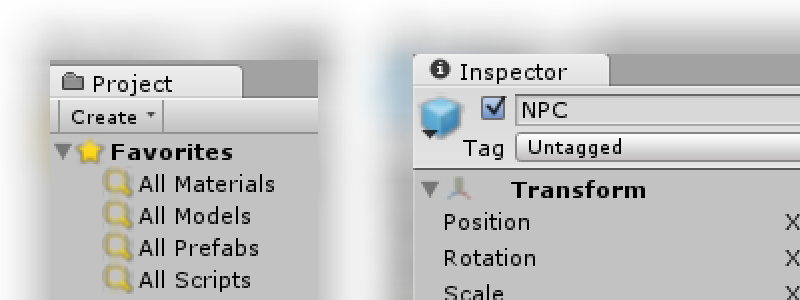
I tried to mess around with the quality settings in the Unity Editor itself, but that didn't to fix the problem, so I looked around on the internet and several people reported the same issue, only after updating their graphics drivers. I'm using a quite old laptop with two video cards in it (NVIDIA GT555M and Intel HD Graphics 3000), unfortunately the NVIDIA card died a while back so I can only use the slower Intel card. Because it's such a slow graphics chip I used to set all graphics settings to prefer performance over quality. So I checked to see if that may have caused the blurry icons. I opened the Intel Graphics control panel and set the 3D Preference slider from Performance to the middle setting.


After this, the icons were sharp again :) So I guess the graphics settings were influencing the method in which the icons are rendered.
No comments yet
// Your email address will not be published.